
Operating and hosting an LLM model like Deepseek locally allows you to explore and generate ideas using your local machine as a powerhouse, enabling tasks such as reasoning and building agents.
The simplest way to begin is by using Ollama, which offers direct access to quantized, distilled versions of models such as Deepseek, Qwen, Mistral, and others. Additionally, OpenWebUI provides a user-friendly interface for working with these LLM models locally.
Getting started
-
Download Ollama for your machine
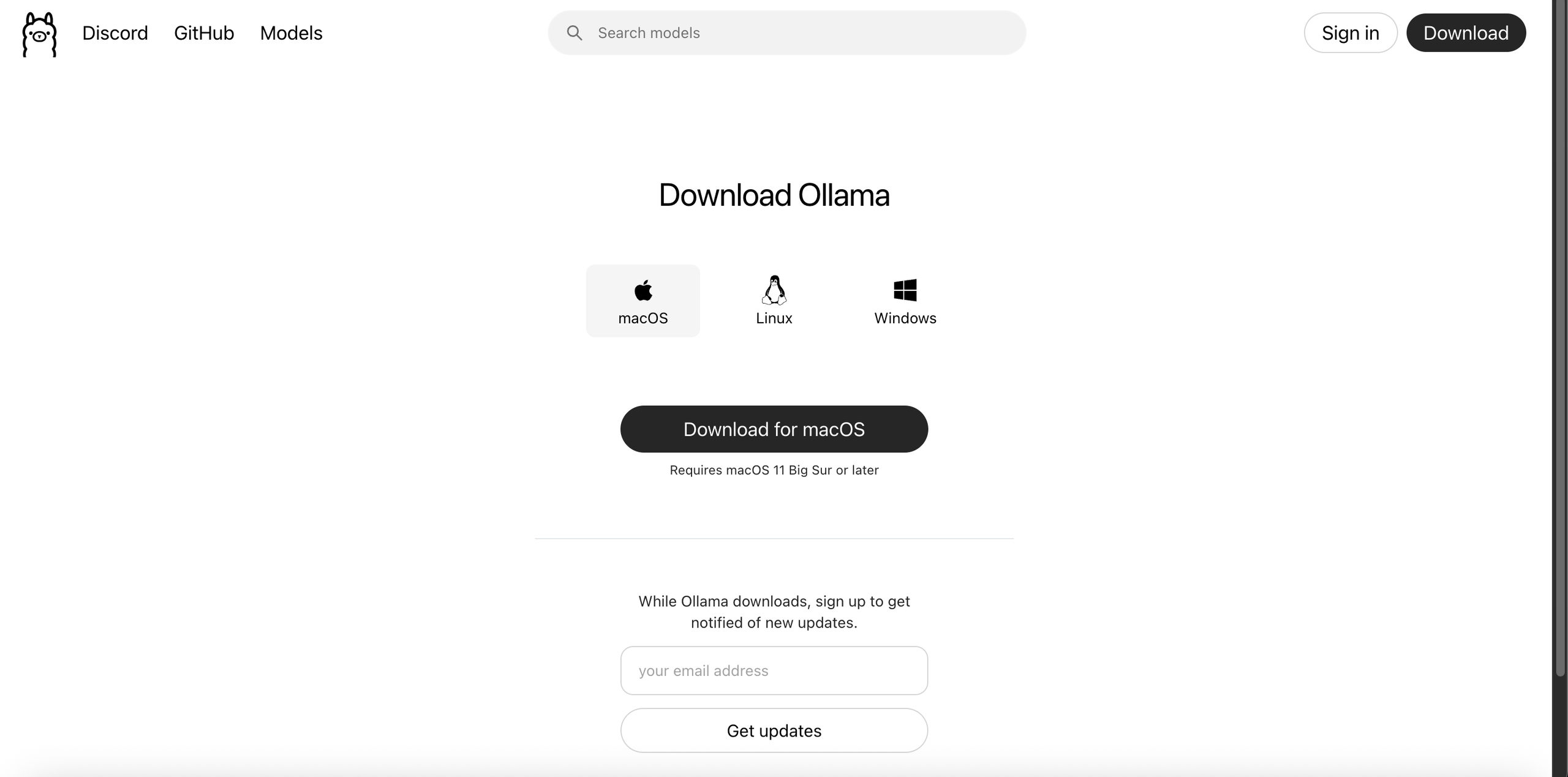 Install ollama
Install Ollama
-
Install Deepseek R1 using Ollama with command
ollama run deepseek-r1
-
You can try ask question right away in your terminal
Loading video...This may take a few seconds.
Deepseek R1 in CLI with ollama
-
Now here is the fun part, download OpenWebUI, preferred is using Docker, once the open web ui container starts running visit http://localhost:3000/
 Using openwebui
OpenWebUI
-
Sign up with your credentials, select the model which you installed in earlier steps and start asking !
Loading video...This may take a few seconds.
Deepseek R1 using OpenWebUI
Please note that the latency of the model responses depends on machine hardware. Additionally GPUs can also be used to accelerate response generations.